





Buying workflow automation software before mapping the actual process it needs to fix is one of the most expensive mistakes that a growing company can make. Teams license a platform, then spend weeks on the set up and end up automating a broken process faster instead of a better one. The result is wasted budget, frustrated staff and a tool that gets quietly abandoned within a year.
Workflow automation software is a system that can assign track and move to work between the people and applications automatically. It is based on rules you define, instead of relying on emails, spreadsheets, or any manual handoff. The right platform can reduce the repetitive task workload needs, cut the process time and also give managers visibility into where work is stuck.
This guide will cover but formation software actually does, our business work blue automation software is different for small businesses versus enterprise teams, where AI workflow automation software is changing the game in 2026.
What Is Workflow Automation Software and What Does It Actually Do?
Workflow automations software takes a manual, repetitive process and turns it into a define sequence of automated steps. And each is triggered by a specific event. Instead of an employee copying data between the systems or manually reminding a colleague to approve a request, the software handles the hand of the notifications and the tracking on its own.
Most of the workflow automation platforms are built around three main components. A trigger starts our workflow, such as a form of submission on a new record in CRM. A set of rules decides what happens next including who will get the assigned task and under what condition. And an integration layer that connects the software to the other tools a business already uses. So that the data does not need to be re-entered by hand.
This is different from a single-purpose automation tool that only handles one task, like an email autoresponder. Workflow automation for business processes is designed to manage an entire sequence, from the first trigger to the final approval, across multiple people and multiple applications.

How Much Is the Workflow Automation Market Actually Growing?
The flow automation software market was valued at $20.3 billion in 2023 and it is projected to reach $46.8 billion by 2032, growing at the compound annual rate of 10.1% according to Global Market Insights. The larger enterprise accounted for more than 65% of that market in 2023. Largely because of the complex, multi department workflow requires automation to keep the coordination manageable at scale, as per the same report.
That growth is not evenly distributed across industries. The financial services sector alone held around 24% of the market year in 2023, and it is driven by the compliance requirement that will make the manual, error prone processes a genuine regulatory risk as noted by Global Market Insights. This matters for anyone evaluating a workflow automation platform, since a tool built for lightweight marketing approvals is not the same tool a regulated business needs for audit-ready process tracking.

Get Free Quotes
Customized Options Await
Workflow Automation Software for Small Businesses vs Enterprise Workflow Automation Software
The features that matter most in a workflow automation platform change significantly depending on company size. A small business usually needs speed of setup and low cost. An enterprise usually needs governance, security, and the ability to manage workflows across dozens of departments without conflicts.
|
Feature |
Workflow Automation Software for Small Businesses |
Enterprise Workflow Automation Software |
|
Setup time |
Days, often with pre-built templates |
Weeks to months, with custom configuration |
|
Pricing model |
Per-user, low monthly cost |
Tiered or custom enterprise licensing |
|
Integration needs |
A handful of core tools, such as email and CRM |
Dozens of systems, including ERP, HR, and finance platforms |
|
Governance and audit trails |
Basic activity logs |
Detailed audit trails for compliance and regulated industries |
|
Scalability |
Built for a single team or a few departments |
Built to run thousands of concurrent workflows across the company |

AI Workflow Automation Software: What Changed in 2026
AI workflow automation software adds a layer of decision-making on top of traditional rule based automation, allowing the workflow to route, prioritize or summarize information rather than simply moving it from one step to the next. This shift has accelerated sharply. According to McKinsey's 2025 Global Survey on the state of AI, 88 percent of organizations report using AI in at least one business function, up from 78 percent the year before, though the same survey found that most organizations remain in the piloting stage rather than having scaled AI across the enterprise.
Where Workflow Automation Software Delivers the Most Value
Workflow automation software for onboarding, workflow automation software for sales, workflow automation software for customer service, and document workflow automation software are the four use cases where businesses typically see the fastest return, because each involves a high volume of repetitive, rule-based steps.
|
Business Function |
Common Workflow Automated |
What the Software Typically Handles |
|
Onboarding |
New hire or new client setup |
Document collection, account provisioning, task assignment across departments |
|
Sales |
Lead routing and follow-up |
CRM workflow automation that assigns leads, triggers follow-up emails, and updates deal stages |
|
Customer service |
Ticket routing and escalation |
Customer service automation that categorizes requests and routes them to the right team |
|
Documents |
Contract and invoice processing |
Document automation that extracts data, routes for approval, and stores the final record |























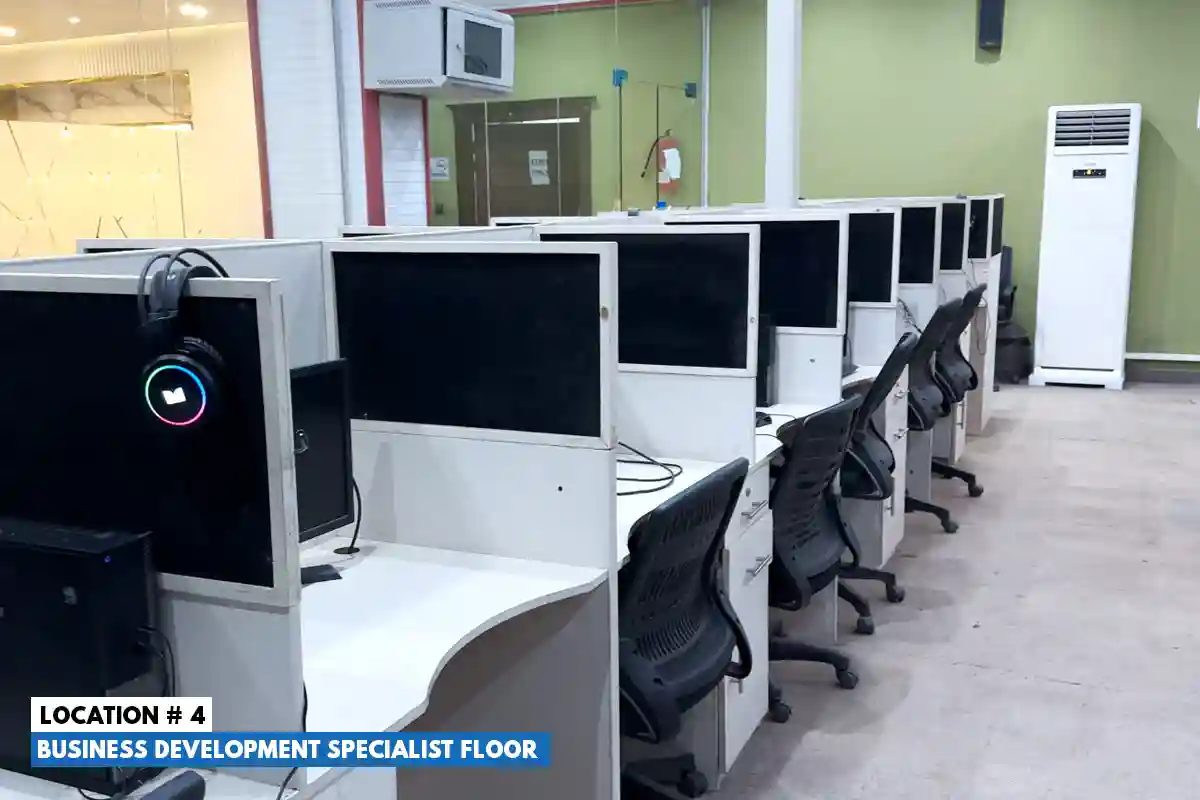








Workflow Automation Software for Remote Teams
Workflow automation software for remote teams solve a specific problem that in office teams rarely phase and these are the absences of a hallway conversation to unstick a stalled task. When a team is distributed at the time zone, then the task sitting in someone's inbox can stay untouched for a full day simply because no one saw it in real time.
Automated workflows remove that dependency on presence. A task assigned through our workflow automation platform triggers are not notification the moment it is ready for the next person, regardless of the time zone. It also escalates automatically if it sits untouched past a defined deadline. This is particularly relevant for the companies that combine an in-house team with an outsourced or offshore team. Since the handoff between the two groups is exactly the kind of gap that manual coordination tends to lose track of.
For distributed teams, the practical checklist changes slightly from the standard evaluation criteria. Time zone-aware escalation rules, asynchronous approval steps that do not require both parties online at once, and clear ownership at every handoff point matter more than they do for a single-location team working the same hours.
Workflow Automation Software and BPO: Why Outsourced Teams Automate First
Business process of sourcing providers were early adopters of the flow automation as their entire business model depends on running the same process for multiple clients and consistent quality and lower cost. Back Office automation, in particular, has become a main differentiated for BPO providers competing on both price and accuracy.
According to Deloitte's 2025 Global Business Services Survey, organizations running global business services and outsourced delivery models are prioritizing generative AI and digital initiatives specifically to drive process efficiency, cost reduction, and improved customer experience, with finance, IT, and customer service identified as the top functions for near-term investment. This is a direct reflection of how BPO automation has moved from a cost-cutting tactic to a core service differentiator.
How to Choose the Right Workflow Automation Platform
Choosing among the workflow automation tools comes out to matching the platform's strength to the specific process that you are automating, not to whichever tool has the longest feature list. The key factor that consistently separates a good fit from a poor one.
What systems does it need to connect to?
A workflow automation platform is only as useful as its integrations with your existing CRM, document storage, and communication tools.
Who will maintain it after launch?
Some platforms require ongoing technical support to update rules and workflows, while others are built for non-technical teams to manage independently.
Does it support the compliance requirements of your industry?
Regulated sectors need detailed audit trails and access controls that a lightweight small business tool may not offer.
Final Thoughts on Choosing Workflow Automation Software
The right workflow automation software should remove manual handoffs from a process you already understand well, not paper over a process that is broken to begin with. Map the workflow, confirm the integrations you actually need, and check the platform against your compliance requirements before signing a contract. If you want to see how outsourced teams handle document automation and back-office workflows, our business process outsourcing services page breaks down the specific processes we automate for clients.
If mapping out where automation would save the most time in your operation feels like a bigger task than you have bandwidth for right now, the team at Prime BPO can walk through your current process with you and point out the specific bottlenecks worth fixing first, with no obligation to sign anything.
Get Free Quotes
Customized Options Await
FAQS
What is workflow automation software?
Workflow automation software that automatically manages the repetitive task and the steps in a business process. It can also assign the task, send the notifications, more information between the systems and also track the progress without requiring the employees to handle delivery step manually.
How does workflow automation software benefit BPO companies?
It helps BPO companies to reduce the repetitive manual work, improved response times, reduce errors and also keep the process consistent. It can also help the managers to track the task, improve the agent productivity and handle the higher workload without even adding the same amount of staff.
What BPO processes can be automated with workflow automation software?
The common examples include lead assignment, customer on boarding, ticket routing, employee scheduling, quality checks, invoice processing, data entry, report generation, customer follow up and escalation management. The exact process totally depends on the BPO services and existing systems.
Can workflow automation software integrate with CRM and other business tools?
Yes, there are so many workflow automation platforms that can connect with CRMs, help desk, communication tools, spreadsheets, counting systems and other business applications through built-in integration of APIs. This will allow information to move between the systems automatically and reduce the duplicate data entry.
What is the difference between workflow automation and business process automation?
The workflow automation usually focuses on automating specific tasks for steps within the workflow. Business process automation is broader and focuses on automating an entire business process which can involve separate workflow, team and systems.