





Service desk outsourcing means contracting an external provider to run some or all of your service desk: logging and resolving incidents, fulfilling service requests, answering users by phone, email and chat, and escalating what the first line cannot fix. The provider supplies trained analysts, shifts and supervision, while you keep ownership of your tools, data and service standards.
Companies usually look at outsourcing when ticket volumes grow faster than the internal team, when users expect support outside business hours, or when skilled engineers spend too much of their day on password resets and access requests. Done well, it frees internal IT for projects and root-cause work. Done poorly, it creates knowledge gaps, security exposure and frustrated users.
Quick answer: Service desk outsourcing is usually priced per ticket, per supported user or per dedicated analyst, with a monthly fee for each. The saving comes mainly from avoiding the fully loaded cost of in-house staff, which for a US computer user support specialist is about $88,000 a year once benefits are added to the $61,860 median wage. Get written quotes for your ticket volume and coverage hours, and compare them with that loaded cost.
Get Free Quotes
Customized Options Await
What Is Service Desk Outsourcing?
Service desk outsourcing is the delegation of IT or technical support, incident resolution and service request management to a specialized third-party provider. The provider's analysts work inside your ticketing system, follow your processes and report against agreed service levels, while your internal team keeps control of architecture, policy and change decisions.
The arrangement can cover internal employees (an IT service desk), external customers (a customer support service desk for a software or technology product), or both. It can run around the clock, during your business hours only, or as after-hours and overflow cover for an in-house team.
Service Desk vs Help Desk
The two terms are often used interchangeably, but under ITIL 4 a service desk is broader. A help desk focuses on fixing incidents quickly. A service desk is the single point of contact (SPOC) for users and handles incidents plus service requests, links to problem management, communication about planned changes, knowledge management and tracking against service level agreements (SLAs).
|
Scope |
Help desk outsourcing |
Service desk outsourcing |
|
Incidents (something is broken) |
Yes |
Yes |
|
Service requests (access, software, onboarding) |
Sometimes |
Yes, often from a catalog with approvals |
|
Problem management |
Rarely |
Flags repeat incidents and supports root-cause work |
|
Change communication |
No |
Informs users about planned changes |
|
Knowledge management |
Basic |
Maintains and improves articles |
|
Reporting |
Ticket volume and speed |
SLA compliance, FCR, MTTR, user satisfaction |
In practice, many companies outsource Tier 1 and Tier 2 service desk work while keeping ownership of problem management, change approvals and Tier 3 engineering. Prime BPO's guide to help desk outsourcing covers the narrower help desk model.
Note: Outsourcing the work does not outsource accountability. Your organization still owns its security obligations, user experience and regulatory requirements, so those belong in the contract and the SLA.
Service Desk Outsourcing Models: Shared, Dedicated and Hybrid
There are three common engagement models. A shared service desk uses analysts who support several clients. A dedicated service desk assigns analysts only to you. A hybrid or co-managed model splits the work, with the provider handling frontline tiers and your team keeping specialist and sensitive tasks.

Shared (Multi-Tenant) Service Desk
Shared analysts handle tickets for multiple clients from a common pool. It is the lowest-cost way to start and works well for lower or unpredictable volumes, after-hours cover or overflow. The trade-off is less product depth per analyst and less control over who answers.
Dedicated Service Desk
Dedicated analysts work only on your account, learn your systems, processes and culture, and can be trained on internal tools and policies. This suits steady volume, complex environments and situations where users expect the same people and voice every time.
Hybrid or Co-Managed Service Desk
In a hybrid model, the provider runs Tier 1 and often Tier 2 around the clock, while your internal team keeps Tier 3 engineering, privileged administration and change approvals. Many mid-size companies settle here because it adds coverage without handing over sensitive controls.
When a Dedicated Team Makes Sense
There is no single industry threshold. A practical test is whether your volume keeps a full-time analyst busy. The example below is hypothetical; replace it with your own data.
Hypothetical capacity check
Average handle time per ticket: 15 minutes
Productive time per analyst: 6 hours a day
Tickets per analyst per day: 6 x 60 / 15 = 24
Tickets per analyst per month: 24 x 21 working days = about 504
If your monthly volume is well below one analyst's capacity, a shared model is usually more economical. If it fills one or more analysts steadily, a dedicated team starts to make sense.
Model Comparison
|
Factor |
Shared service desk |
Dedicated service desk |
Hybrid co-managed |
Best fit |
|
Analysts |
Pooled across clients |
Assigned only to you |
Provider for Tier 1-2, your team for Tier 3 |
Depends on volume and sensitivity |
|
Cost |
Lowest entry cost |
Higher fixed monthly cost |
Mixed |
Shared for low volume |
|
Product knowledge |
General |
Deep |
Deep at Tier 1-2 |
Dedicated for complex stacks |
|
Control |
Lower |
High |
High for sensitive work |
Hybrid for regulated firms |
|
Coverage |
Often 24/7 by default |
Agreed shifts |
24/7 frontline plus internal escalation |
Any |
|
Typical buyer |
Startups, small firms, overflow |
Mid-size and large firms |
Companies with in-house IT teams |
|
Get Free Quotes
Customized Options Await
Which Support Tiers Can Be Outsourced?
Any tier can be outsourced, but most companies outsource Tier 1 and Tier 2 and keep Tier 3 in-house. Tier 0 self-service is usually a shared effort: the provider helps write and maintain knowledge articles, while you own the portal and automation tools.
|
Tier |
What it covers |
Commonly outsourced? |
Key metrics |
|
Tier 0: self-service |
Knowledge base, portal, chatbot, automated password resets |
Content and upkeep often shared |
Self-service resolution rate, article usage |
|
Tier 1: frontline |
Logging, triage, known fixes, account and access requests |
Yes, most often |
First contact resolution (FCR), response time, CSAT |
|
Tier 2: specialist |
Deeper troubleshooting, application and SaaS admin, device issues |
Often |
Mean time to resolve (MTTR), escalation rate |
|
Tier 3: engineering |
Infrastructure, code fixes, vendor escalations, architecture |
Sometimes, for specific skills or after-hours cover |
Problem resolution, repeat incident rate |















Setting Realistic Targets
For first contact resolution, SQM Group reports that the average across contact centers is about 70%, with 80% or higher considered world class. Use that as a reference, but set your target from your own ticket mix, because simple access requests resolve far more often on first contact than complex application issues.
Be cautious about self-service claims. A Gartner study reported in 2024 found that only 14% of customer service issues were fully resolved in self-service, rising to 36% for very simple issues. Shift-left (moving work to the lowest tier that can resolve it well) pays off most for high-volume, simple requests such as password resets and status checks.
Note: Vendor claims of 30% to 50% ticket deflection from AI depend heavily on ticket mix. Treat them as vendor-reported and measure your own results by tracking tickets per user before and after launch.
Working Inside Your Existing ITSM Tools
Outsourcing does not require replacing your service desk ticketing system. The provider's analysts work inside your existing platform, such as ServiceNow, Jira Service Management, Freshservice or Zendesk, as licensed agents. You keep ownership of the instance, the data, the knowledge base and the configuration management database (CMDB).
Common controls for secure access include:
- Single sign-on (SSO) and multi-factor authentication through your identity provider
- Role-based access control (RBAC) so analysts see only the queues and records they need
- Virtual desktop infrastructure (VDI) or a secure remote workspace, so data stays in your environment
- Least-privilege admin rights, with elevated actions escalated to your team
- Session logging and regular access reviews, with immediate removal when an analyst leaves
This setup also makes it easier to change providers later, because your tools and data stay with you.
Benefits and Cost of Service Desk Outsourcing
The main benefits are lower cost per analyst, round-the-clock coverage without building a night shift, faster scaling and more time for internal IT to work on projects. How much you save depends on the provider's rates, the coverage you need and how well the transition is managed, so build a cost model with real quotes.
How Outsourcing Reduces Overhead
An in-house service desk carries costs beyond salary: recruiting, onboarding and training, benefits, workspace and equipment, software licenses for each seat, night and weekend premiums, and the cost of replacing people who leave. SHRM estimates the average cost per hire at about $4,700. A provider spreads these costs across its operation and bills you a predictable monthly fee, turning fixed headcount costs into operating expense that can scale with demand.
Why 24/7 Coverage Costs More Than It Looks
A single seat staffed around the clock needs far more than one person. A week has 168 hours, so covering one seat at all times takes about 4.2 full-time employees before allowing for leave, training and breaks, and closer to 5 once you do. This is where outsourcing often makes the biggest difference, because a provider already runs night and weekend shifts.

Common Pricing Models
|
Pricing model |
How it works |
Best fit |
|
Per ticket or per contact |
A fee for each ticket, call or chat handled |
Low or variable volume, overflow |
|
Per user or per device |
A monthly fee for each supported employee or device |
Internal IT service desks with stable headcount |
|
Dedicated analyst (FTE) |
A monthly fee per full-time analyst assigned to you |
Steady volume, complex environments |
|
Hybrid or outcome-based |
A base fee plus credits or bonuses tied to SLAs |
Mature programs with clear metrics |
Rates vary widely by location, language, skill level, coverage hours and tools, so ask each provider for an all-inclusive quote that lists supervision, quality assurance, training, reporting and any license or setup fees.
A Simple Cost Model
The onshore figures use US Bureau of Labor Statistics data: a median wage of $61,860 for computer user support specialists (May 2025), with benefits making up about 30% of total compensation. The outsourced rate is hypothetical, not a quote.
Onshore analyst (BLS-based)
Median wage: $61,860 a year
Fully loaded (wage / 0.70): about $88,371 a year
Outsourced dedicated analyst (hypothetical)
All-inclusive rate:$2,500 a month = $30,000 a year

Difference per analyst:about $58,371 a year (about 66%)
24/7 seat (about 5 analysts): about $441,857 onshore vs $150,000 outsourced
The real saving will be smaller once you add transition costs, internal vendor management time and any ITSM licenses for the provider's analysts. Model those before you commit.
Note: Faster resolution and higher FCR are possible, not automatic. They depend on documentation, access rights and how quickly your Tier 3 team responds to escalations.
Get Free Quotes
Customized Options Await
Risks of Outsourcing an IT Help Desk and How to Manage Them
The main risks are loss of institutional knowledge, security and access exposure, communication gaps, weak SLA accountability and lock-in to one provider. Each can be reduced with the right contract terms, access controls and governance routine.
Knowledge Loss
When support moves outside, knowledge that lived in people's heads can disappear. Require the provider to document every new fix in your knowledge base, and make article quality part of the monthly review. Keep the knowledge base in your own tools so it stays with you.
Security and Data Access
Analysts need access to user accounts and systems, which creates risk. Use SSO, multi-factor authentication, RBAC and least-privilege rights, and require background checks and security training. Ask providers which security certifications or independent audits they hold, such as ISO/IEC 27001 or a SOC 2 Type II report, and what controls cover their facilities and remote workers.
Communication Quality
Language fluency, tone and cultural fit matter, especially for a customer support service desk. Listen to real calls, read real tickets and run a pilot before scaling.
SLA Accountability
Vague SLAs lead to disputes. Define response and resolution times by priority, FCR and CSAT targets, reporting frequency and what happens when targets are missed, such as service credits.
Lock-In and Exit
Keep your tools, data and knowledge base in your own environment, and include exit and transition terms in the contract, so you can change providers without starting over.
|
Risk |
Root cause |
Safeguard |
How to verify |
|
Knowledge loss |
Fixes not documented |
Mandatory knowledge articles in your system |
Article count and quality in monthly review |
|
Data exposure |
Broad or shared access |
SSO, MFA, RBAC, VDI, access reviews |
Quarterly access audit, security reports |
|
Poor communication |
Weak hiring or training |
Language screening, calibration sessions |
QA scores and CSAT |
|
Missed service levels |
Unclear SLA or understaffing |
Priority-based SLAs with service credits |
Weekly SLA dashboard |
|
Vendor lock-in |
Provider owns tools or data |
Client-owned ITSM instance, exit clause |
Tested offboarding plan |
Service Desk Best Practices
- Start with a pilot on one channel or shift before scaling.
- Shift left gradually, beginning with high-volume, simple requests.
- Keep a living knowledge base and review it monthly.
- Run joint quality calibration on calls and tickets.
- Track FCR, MTTR, SLA compliance and CSAT together, not one metric alone.
- Hold monthly service reviews and quarterly business reviews with the provider.
How to Launch Outsourced Service Desk Support
A smooth launch follows five steps: audit your current tickets, choose a provider with a structured scorecard, set up secure access to your tools, transfer knowledge through shadowing, then scale in stages.
- Audit your tickets and channels. Pull at least 90 days of data: volume by hour and day, channel mix (phone, email, live chat), top categories, handle times and where escalations stall.
- Evaluate providers with a scorecard. Use the eight criteria below and score each provider on the same scale.
- Set up secure access. Create analyst accounts in your ITSM platform through SSO with MFA and RBAC, and decide whether analysts will work through VDI or managed devices.
- Transfer knowledge and calibrate. Run shadowing sessions in which provider analysts watch your team, then reverse shadowing in which your team watches them. Agree on quality scoring and SLA reporting before go-live.
- Pilot, then scale. Start with one channel, shift or ticket category for 30 to 90 days, review results weekly, then expand coverage once targets are met.

8-Point Provider Checklist
|
Criterion |
What to look for |
|
1. Security and compliance |
Certifications or audits such as ISO/IEC 27001 or SOC 2 Type II, plus documented access controls |
|
2. Process maturity |
ITIL-aligned incident, request and escalation processes |
|
3. Tool experience |
Experience working in your ITSM platform |
|
4. Service levels |
Clear SLAs for response, resolution, FCR and CSAT, with service credits |
|
5. Staffing stability |
Attrition reporting and a backfill plan |
|
6. Communication |
Language screening and real call or ticket samples |
|
7. Coverage |
Hours, time zones, holiday cover and business continuity plans |
|
8. Commercial terms |
All-inclusive pricing, flexible scaling and clear exit terms |
Note: Ask for references from clients with a similar size, ticket mix and toolset, and ask those references how the provider handled its first missed SLA.
Conclusion
Service desk outsourcing works best when you choose the right model for your volume, keep ownership of your ITSM tools and data, and hold the provider to clear SLAs for response, resolution, FCR and user satisfaction. Model the cost with real quotes against your fully loaded in-house cost, and start with a pilot.
|
Your situation |
Suggested model |
|
Low or unpredictable ticket volume |
Shared service desk, priced per ticket |
|
Steady volume and a complex stack |
Dedicated analysts |
|
In-house IT team that needs night and weekend cover |
Hybrid: provider runs Tier 1-2 after hours |
|
Regulated data or strict admin controls |
Hybrid, with privileged tasks kept in-house |
|
Customer-facing technical support |
Dedicated team trained on your product |
|
Unsure about quality |
30 to 90 day pilot on one channel |
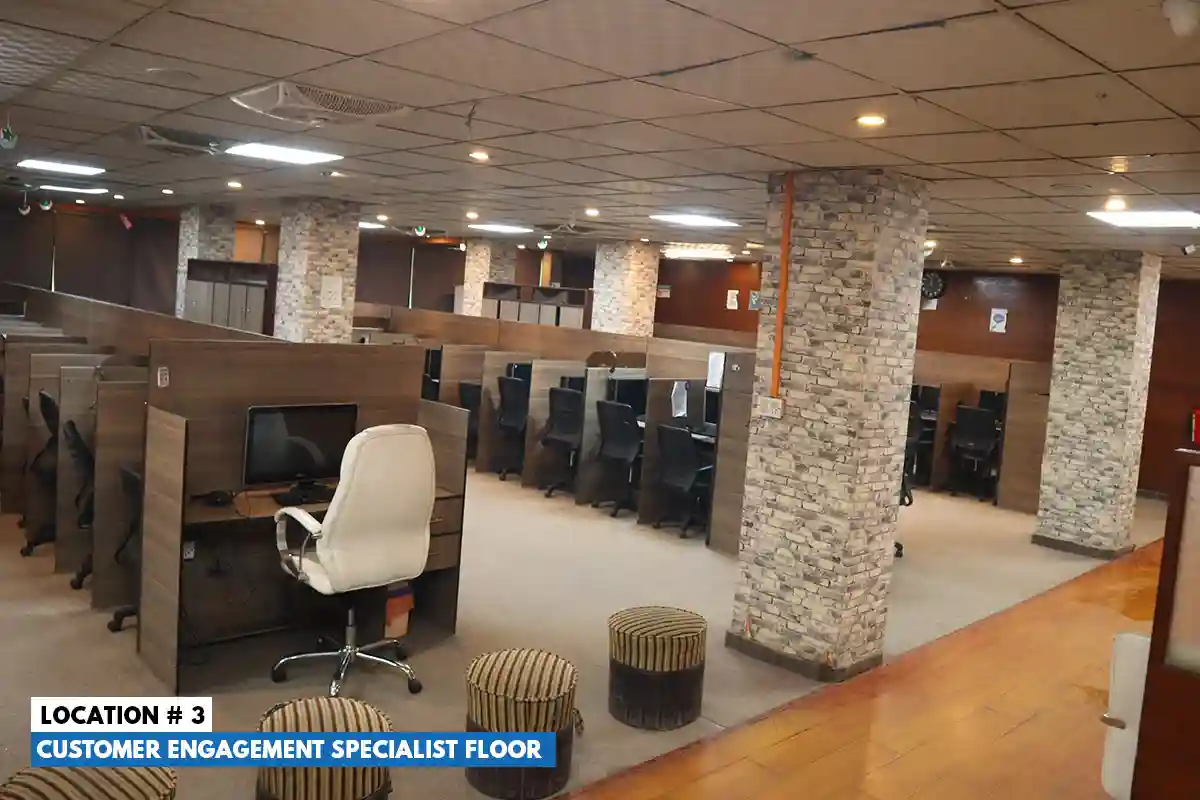
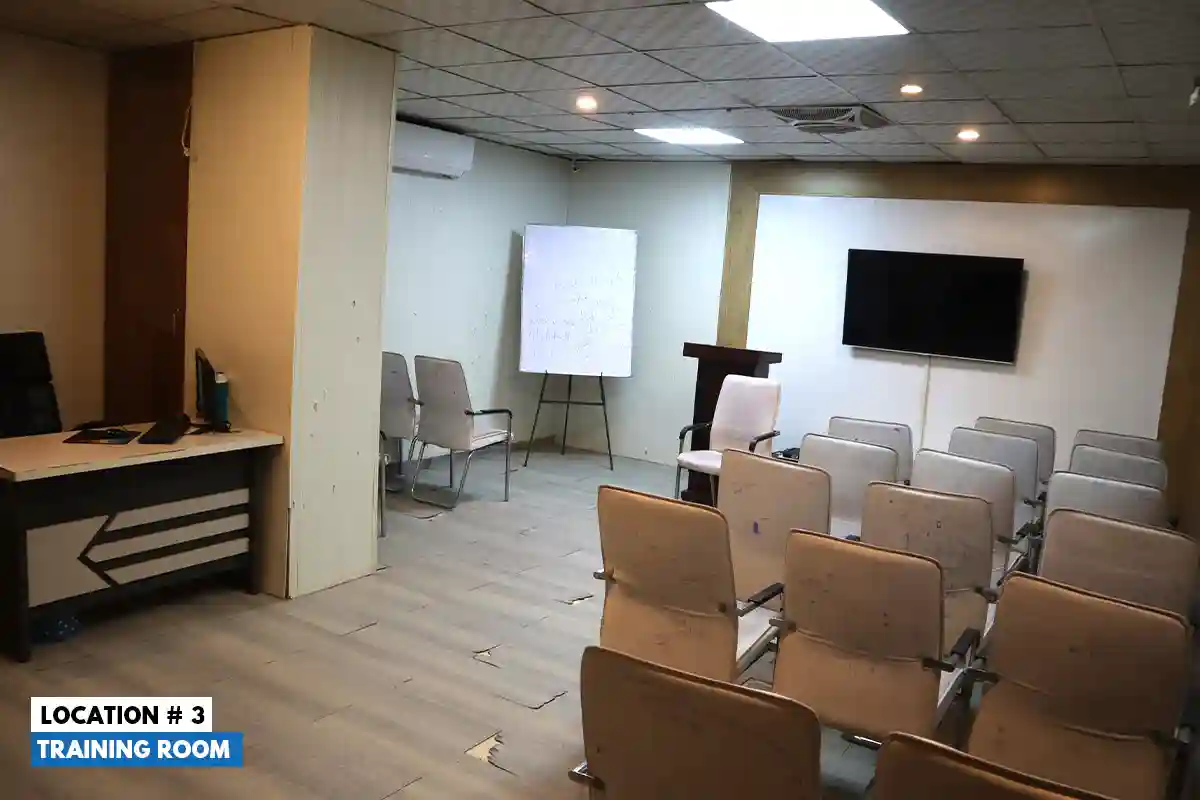
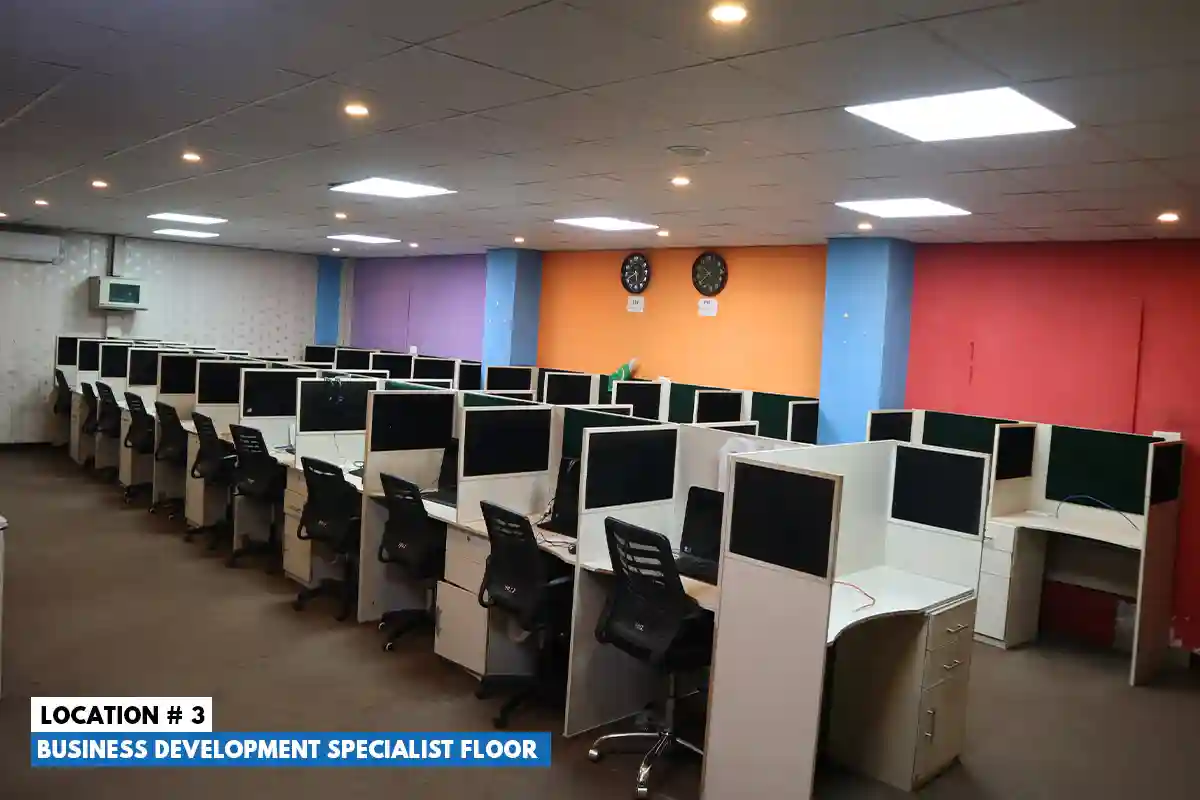
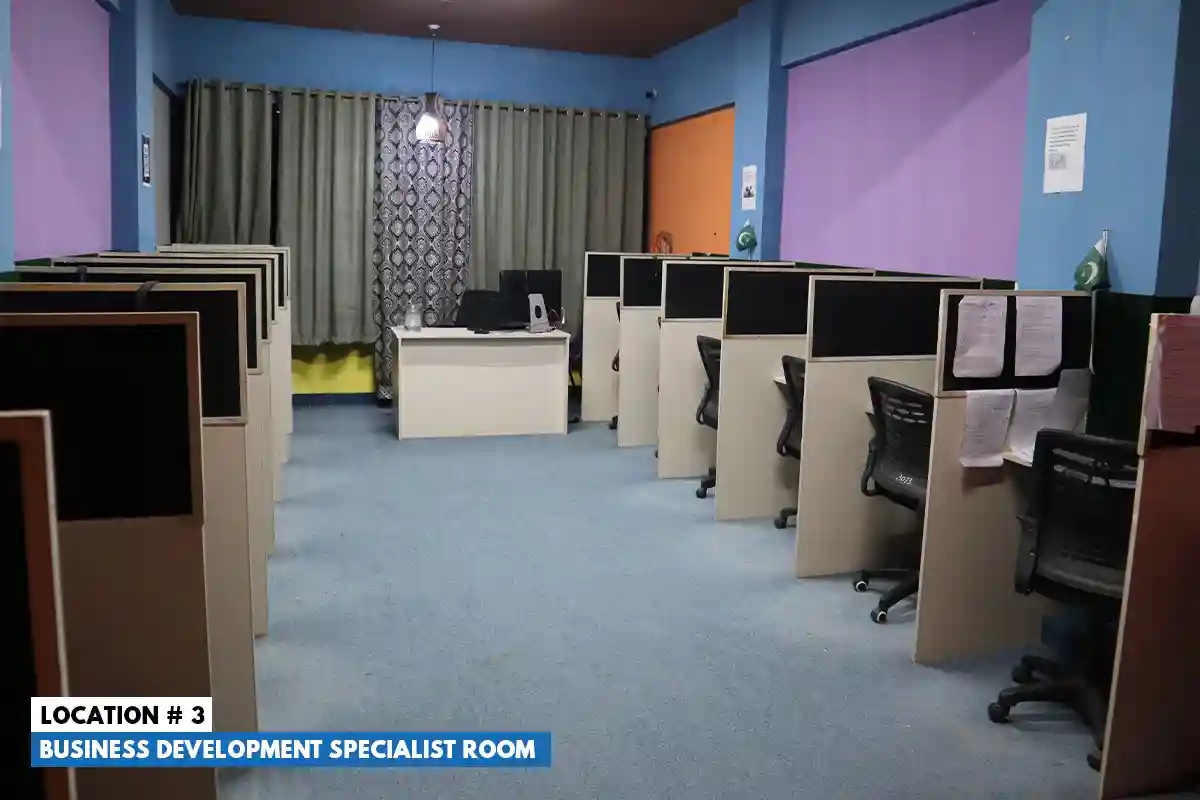
Prime BPO provides outsourced technical support and IT helpdesk services by phone, email, chat and social media, with 24/7 operations from six offices in Rawalpindi and ISO 18295-1:2017 certification for customer contact centres. To discuss outsourced service desk support, see Prime BPO technical support services, contact Prime BPO or call +92-51-8733177.
Frequently Asked Questions
What is service desk outsourcing?
Service desk outsourcing is contracting a third-party provider to handle IT or technical support for your employees or customers, including incident resolution, service requests and user communication. The provider's analysts work in your tools under agreed service levels, while you keep control of policy, architecture and sensitive changes.
What is the difference between a shared and a dedicated service desk model?
A shared model uses analysts who support several clients from a common pool, which lowers cost and suits low or variable volume. A dedicated model assigns analysts only to your company, so they build deeper knowledge of your systems and users, which usually means higher first contact resolution and tighter SLAs at a higher monthly cost.
What tiers of technical support can be outsourced?
All of them. Most companies outsource Tier 1 frontline support and Tier 2 specialist troubleshooting, share Tier 0 knowledge base and self-service upkeep with the provider, and keep Tier 3 engineering in-house, though specialist Tier 3 skills and after-hours cover can also be outsourced.
How does service desk outsourcing reduce company overhead costs?
It removes many fixed costs of an in-house team, including recruiting (about $4,700 per hire according to SHRM), benefits, workspace, equipment, night and weekend premiums and turnover replacement. The provider bills a predictable fee that can scale with demand, turning fixed labor costs into operating expense.
What are the main risks associated with outsourcing an IT help desk?
The main risks are knowledge loss, security and access exposure, communication gaps, weak SLA accountability and vendor lock-in. Mitigate them with a client-owned knowledge base and ITSM instance, SSO, MFA and role-based access, a pilot with quality reviews, priority-based SLAs with service credits, and clear exit terms.
How much does it typically cost to outsource a service desk?
Costs depend on location, skills, coverage hours and pricing model: per ticket, per user, per dedicated analyst or outcome-based. As a benchmark, a US computer user support specialist costs about $88,000 a year once benefits are added to the $61,860 median wage, so compare all-inclusive provider quotes against that loaded cost for the same coverage.
What criteria should a company look for when choosing an outsourced provider?
Look for security certifications or audits such as ISO/IEC 27001 or SOC 2 Type II, ITIL-aligned processes, experience in your ITSM platform, clear SLAs for FCR, MTTR and CSAT, low and reported attrition, strong language skills, the coverage hours you need and flexible commercial terms.
Can a company maintain its existing IT infrastructure when outsourcing support?
Yes. Outsourced analysts work inside your existing ticketing system and identity tools, such as your SSO provider and remote management tools, under role-based access controls. You keep ownership of the platform, data, knowledge base and CMDB, so no replacement of your infrastructure is needed.
How long does it take to transition to an outsourced service desk?
It depends on scope, but many transitions move through discovery, access setup, knowledge transfer and a pilot before full go-live. Plan for a 30 to 90 day pilot after access and training are in place, and expand only once quality and SLA targets are met.
Sources and 2026 Verification
- US Bureau of Labor Statistics, Computer support specialists, Occupational Outlook Handbook: computer user support specialists median $61,860 (May 2025).
- US Bureau of Labor Statistics, Employer Costs for Employee Compensation: benefits about 30% of private-industry compensation.
- SHRM, average cost per hire: about $4,700.
- destinationCRM, Only 14% of customer service issues are fully resolved in self-service (Gartner study, 2024).
- SQM Group first call resolution research: about 70% average, 80% or higher world class.
- ITSM.tools, ITIL 4 service desk practice guide.
- Prime BPO, technical support services.
- ISO, ISO 18295-1:2017 Customer contact centres.
This article is general information. The outsourced rate and capacity figures are hypothetical examples, not quotes. Pricing, security requirements and contract terms vary by provider and situation, so model your own costs with written proposals.